Browse AI
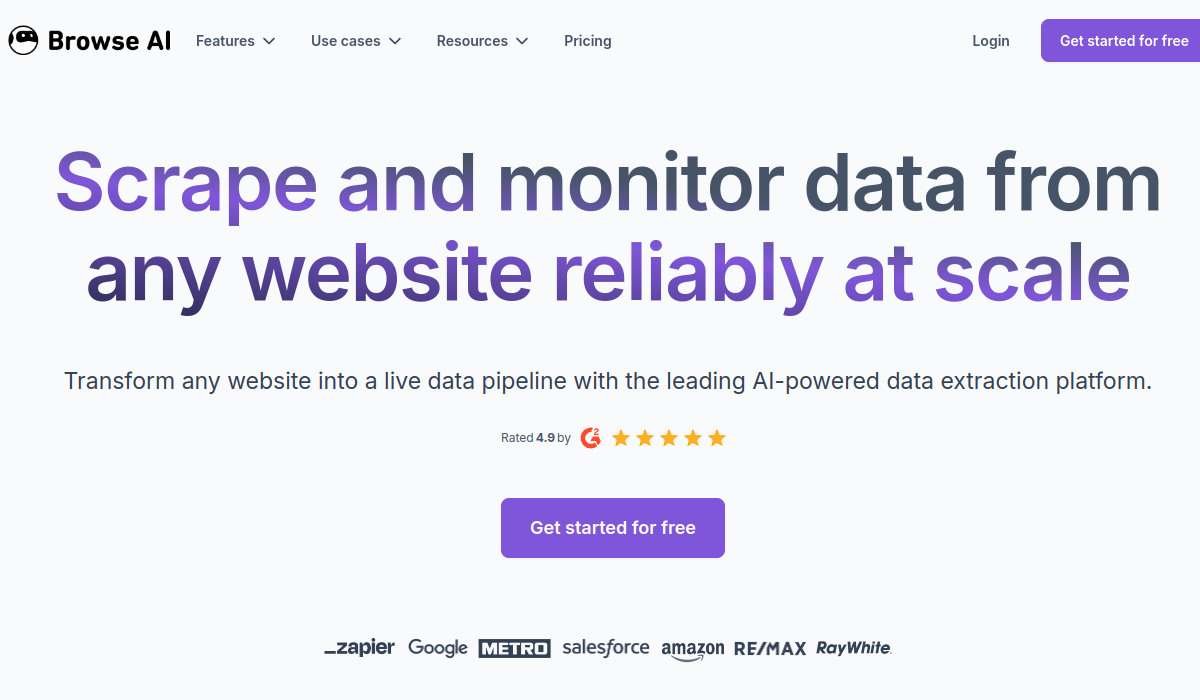
Browse AI simplifies web data extraction, monitoring, and API creation in a user-friendly interface.
🚀 Why Use Browse AI?
Rating
Quick facts
Category
Web Scraping Tool
Pricing
Freemium
API
Not listed
Best for
Why teams use Browse AI for Web Scraping Tool AI tools
Browse AI is a powerful web scraping tool designed to make it easy for users to extract data from websites without needing to write any code. Its intuitive interface allows users to set up scraping tasks quickly, enabling them to collect information from various sources such as e-commerce sites, news platforms, and social media. One of the standout features of Browse AI is its ability to monitor web pages for changes, notifying users when content is updated or altered. This is particularly useful for businesses that rely on real-time data for pricing, competitor analysis, or trend tracking. Users can also convert websites into APIs, simplifying the integration of web data into applications and workflows. This functionality is invaluable for developers who need reliable access to dynamic data. Browse AI caters to a wide range of users, including marketers, data analysts, and developers, who seek to automate repetitive data collection tasks. The pricing structure offers a free tier with basic features, allowing new users to explore its capabilities before committing to a paid plan. This makes it accessible for startups and small businesses looking to leverage web data without significant investment. While Browse AI excels in user-friendliness and efficiency, it does have some limitations. For instance, users may encounter challenges when scraping websites with complex structures or heavy JavaScript content. Despite this, Browse AI stands out for its ease of use and powerful features, making it a preferred choice for those looking to harness the power of web data.
AI Generated Summary
TL;DR
Best For
Tracking competitor prices on e-commerce platforms, Gathering leads from online directories, Monitoring changes in job postings
Pricing
Freemium
Main Strength
Intuitive interface suitable for non-technical users
Ease Of Use
Beginner friendly with modern interface
Powerful capabilities
✨ Key Features
User-friendly web scraping setup without coding
Browse AI simplifies the web scraping process through an intuitive interface that requires no coding knowledge, allowing users to set up data extraction effortlessly.
Real-time monitoring of webpage changes
With real-time monitoring capabilities, Browse AI alerts users instantly to any changes on specified webpages, ensuring they stay updated on critical information.
Automated data extraction and API generation
Automated data extraction in Browse AI not only gathers information but also generates APIs, facilitating easy integration with other applications and systems.
Support for various data formats
Users can choose from a variety of data formats in Browse AI, enabling seamless export and compatibility with multiple platforms for further analysis.
Customizable scraping bots for specific needs
Browse AI allows customization of scraping bots tailored to specific requirements, providing flexibility to meet diverse data collection needs.
Real world usage
🚀 Popular Use Cases
Tracking competitor prices on e-commerce platforms
With Browse AI, businesses can continuously track and compare competitor pricing on various e-commerce sites, gaining insights into market positioning and pricing strategies.
Gathering leads from online directories
Gathering leads from online directories becomes streamlined with Browse AI, as users can automate the extraction process and compile lists efficiently.
Monitoring changes in job postings
Job seekers and recruiters can utilize Browse AI to monitor changes in job postings, ensuring they have access to the latest opportunities and market demands.
Extracting product data for market analysis
For market analysis, Browse AI enables the extraction of detailed product data, providing valuable insights into trends and consumer preferences.
Advantages
Pros
Limitations
Cons
Common questions
❓ Frequently Asked Questions
What is Browse AI?
Browse AI is a web scraping tool that allows users to extract data from websites, monitor changes, and create APIs without coding knowledge.
Is Browse AI free?
Yes, Browse AI offers a free tier with limited features, allowing users to test its capabilities before opting for a paid plan.
Who should use Browse AI?
Browse AI is ideal for marketers, data analysts, and developers who need to automate data collection and monitor web content efficiently.
What makes Browse AI unique?
Browse AI stands out due to its user-friendly interface and the ability to convert websites into functional APIs, catering to both non-technical and technical users.
Does Browse AI have an API?
Yes, Browse AI provides an API that allows developers to integrate its web scraping capabilities into their own applications.
Final thoughts
🏆 Browse AI Verdict
Browse AI is an excellent tool for anyone needing to scrape web data or monitor changes with minimal technical expertise. Its user-friendly design and effective features make it a valuable asset for marketers and developers alike.
Similar AI Tools
Alternatives to Browse AI
Blackbox AI
Blackbox AI helps developers code faster with AI-generated solutions, multi-agent coding, and an integrated IDE.
Claude
Claude streamlines content creation, analysis, and debugging, enhancing productivity.
Framer
Framer is a powerful website builder that enables users to create responsive and visually appealing websites without needing extensive coding knowledge. It's designed for designers, developers, and businesses looking to establish an online presence quickly and efficiently. Key strengths include a user-friendly interface, customizable templates, and robust design capabilities.
Lovable
Lovable is a no-code platform that empowers users to build applications, websites, and digital products quickly and efficiently.
Phind
Phind is an AI-driven coding assistant that helps developers find solutions and improve their coding efficiency.
Sangam Community
Didn't find what you need?
Post your problem to Sangam — builders in Web Scraping Tool respond with tools, workflows, and hands-on help.
Listing Ownership
Own this tool?
If you manage Browse AI, send a simple claim request and we'll review it manually.