BGChanger AI
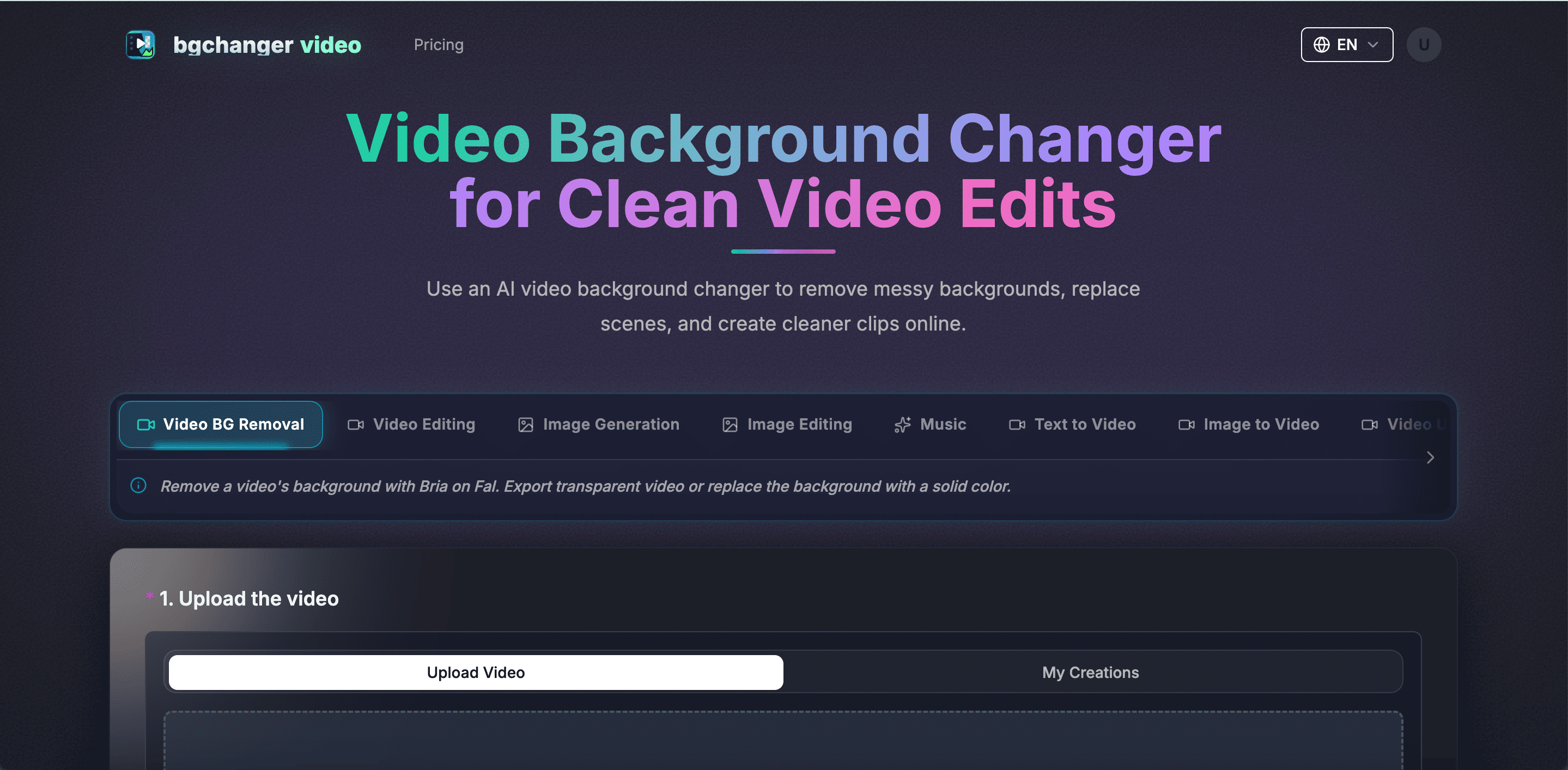
BGChanger AI is an AI studio for video and images. Remove backgrounds with transparent or color export; edit scenes and replace characters; generate and edit images, create videos from text or images, generate music, control motion, swap faces, extend clips, and upscale video.
Useful for
- Create social media ads and creator videos
- clean up product footage for e-commerce
- make green-screen and compositing assets
Pricing at a glance
BGChanger AI pricing & plans
Plans and limits may vary by region and change at checkout. Confirm terms with the provider.
Listed pricing model: Freemium. Actual prices are unverified or unavailable.
Structured pricing is awaiting editorial source review.
Why teams use BGChanger AI for Video AI tools
Creators love BGChanger AI for its simplicity and efficiency in producing high-quality videos without the hassle of complex editing software.
Powerful capabilities
✨ Key Features
Remove video backgrounds; export transparent WebM or solid-color backgrounds; preserve original audio and download MP4
WebM
MOV
MKV
or GIF. Also includes reference-guided video editing and character replacement
AI image generation and editing
text-to-video
image-to-video
music generation
motion control
video face swap
video extension
and video upscaling.
Real world usage
🚀 Popular Use Cases
Create social media ads and creator videos
clean up product footage for e-commerce
make green-screen and compositing assets
or produce alternate characters and scenes for advertising and virtual production.
Advantages
Pros
Limitations
Cons
Final thoughts
🏆 BGChanger AI Verdict
BGChanger AI is a powerful tool for anyone looking to enhance their video content quickly and effectively. Its range of features makes it suitable for both beginners and experienced creators.
Similar AI Tools
Alternatives to BGChanger AI
FilmLune
FilmLune brings AI image and video creation into one browser workspace. Users can explore prompt templates, generate visuals, and refine images with editing tools while developing short-form creative ideas.
Seedance 2.5
Seedance 2.5 turns text, images, video and audio into AI videos up to 30 seconds long in a single pass. Guide characters, motion and style with up to 50 multimodal references, and render in up to 1080P. Useful for ads, anime scenes, short-form social videos and promo films.
RemoveVideoBG
RemoveVideoBG uses AI to separate subjects from video. Upload MP4, MOV or WebM, preview the result and download a transparent WebM layer for compatible editors and websites. Create product demos, lessons or social clips. Try it free.
VideoBGRemover
Remove backgrounds from recorded videos with AI. Preserve motion and audio, preview a transparent cutout or a new background, and export transparent WebM, background MP4, or eligible ProRes MOV. Start free; credit packs and subscriptions support more processing.
Sangam Community
Need help finding an alternative?
Ask the Sangam community for recommendations, workflows, or hands-on help related to Video.
Community
See how people use BGChanger AI
No workflows or community examples for BGChanger AI yet. Share your workflow →
Built an AI tool? Get it featured on AI Tech Hub.
Get your AI tool featured →