Remini
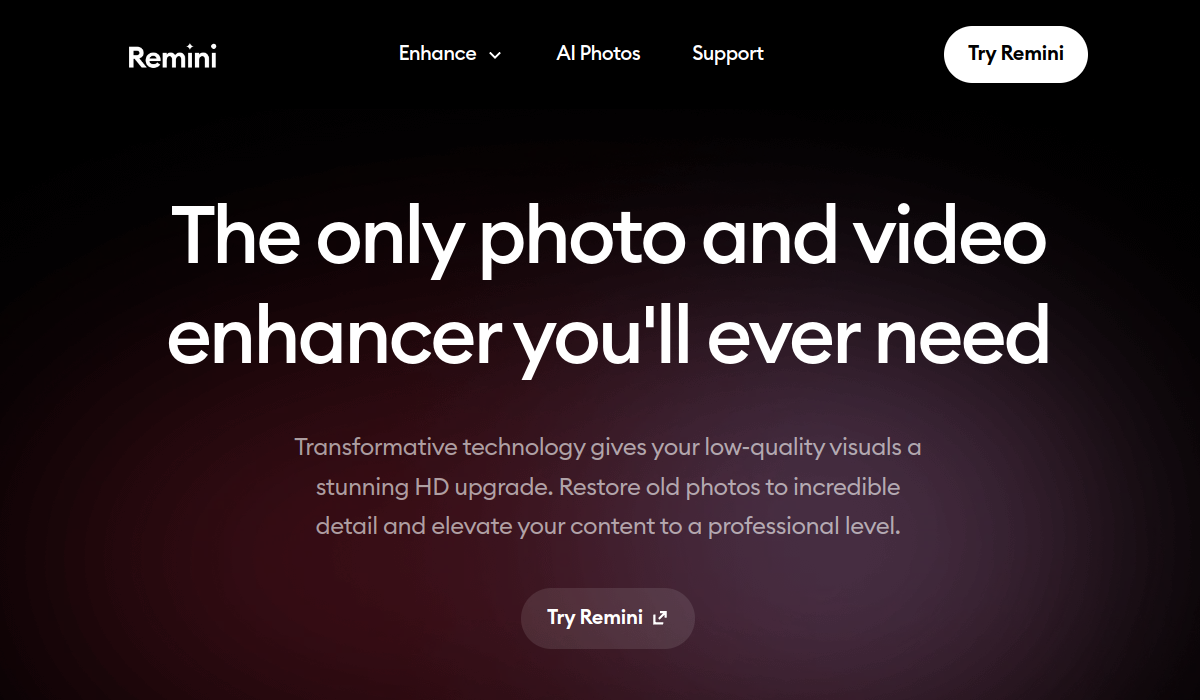
Remini enhances old photos, restoring details and clarity with AI technology. Experience vibrant, high-definition results.
🚀 Why Use Remini?
Rating
Quick facts
Category
Image Editing
Pricing
Freemium
API
Not listed
Best for
Why teams use Remini for Image Editing AI tools
Remini is an advanced image enhancement tool that leverages cutting-edge AI technology to restore and revitalize old photos. By utilizing deep learning algorithms, Remini can convert low-resolution images into crisp, high-definition masterpieces, breathing new life into precious memories that may have faded over time. This tool is particularly popular among photographers, digital artists, and casual users who wish to preserve their family history or improve the quality of their images before sharing them on social media or printing them. One of the standout features of Remini is its ability to intelligently analyze images and fill in missing details, making even heavily damaged photos look remarkable. The app can enhance facial features, reduce noise, and restore colors, creating a more vibrant and lifelike representation of the original image. Furthermore, Remini’s user-friendly interface ensures that users of all skill levels can navigate the app with ease, allowing for quick enhancements without the need for extensive editing knowledge. Remini offers a free tier, which allows users to try out a limited number of enhancements before deciding to subscribe to the premium version. The premium plan grants unlimited access to all features, including the best quality enhancements. While the tool offers impressive results, it does come with some limitations, such as occasional inconsistencies in results depending on the quality of the original image and the processing time for very large files. However, its strengths, including the ability to handle a variety of photo types and the ease of use, make Remini a standout choice in the realm of photo enhancement. Overall, Remini is an excellent option for anyone looking to increase the quality of their old images, whether for personal use or professional portfolios. Its advanced capabilities, combined with a straightforward user experience, make it a go-to tool for photo enhancement needs.
AI Generated Summary
TL;DR
Best For
Restoring family heirloom photographs, Enhancing images for social media, Preparing old photos for printing
Pricing
Freemium
Main Strength
High-quality enhancements with AI technology
Ease Of Use
Beginner friendly with modern interface
Powerful capabilities
✨ Key Features
AI-driven photo enhancement
Remini employs advanced AI algorithms to automatically enhance photos, making them sharper and more vibrant with a single click.
Restores details and colors
The app excels in restoring intricate details and accurate colors in images, transforming faded memories into vivid representations.
User-friendly interface
Designed for intuitive navigation, Remini’s user-friendly interface allows users of all skill levels to effortlessly enhance their photos.
Batch processing for multiple images
With batch processing capabilities, Remini enables users to enhance multiple images simultaneously, saving time while maintaining high-quality results.
Supports various image formats
Supporting a wide array of image formats, Remini ensures compatibility, allowing users to enhance everything from JPEGs to PNGs seamlessly.
Real world usage
🚀 Popular Use Cases
Restoring family heirloom photographs
Family heirloom photographs can be revitalized with Remini, which brings back lost details and colors to preserve cherished memories for generations.
Enhancing images for social media
For social media enthusiasts, the app enhances images quickly, ensuring that every post stands out with professional-quality visuals.
Preparing old photos for printing
Remini prepares old photos for printing by enhancing their quality, ensuring that even the oldest images can be printed beautifully in high resolution.
Revitalizing images for digital art projects
Digital artists can use Remini to revitalize their images, providing a fresh canvas for creative projects by improving clarity and saturation.
Advantages
Pros
Limitations
Cons
Common questions
❓ Frequently Asked Questions
What is Remini?
Remini is an AI-powered photo enhancement app that restores and improves old images, making them high-definition and vibrant.
Is Remini free?
Remini offers a free tier with limited enhancements. For unlimited access and features, users can opt for a premium subscription.
Who should use Remini?
Photographers, artists, and anyone looking to enhance or restore old photos can benefit from Remini's powerful image processing capabilities.
What makes Remini unique?
Remini stands out due to its advanced AI algorithms that effectively restore and enhance details in old photos, delivering impressive results.
Does Remini have an API?
Remini currently does not offer a public API, focusing instead on its consumer-facing mobile and web applications.
Final thoughts
🏆 Remini Verdict
Remini is an ideal tool for anyone looking to enhance old photographs, whether for personal memories or professional projects. Its ease of use and impressive results make it a valuable addition to any digital toolkit.
Similar AI Tools
Alternatives to Remini
Jasper
Jasper is an AI-powered writing assistant that helps users generate high-quality content quickly and efficiently.
Mem
Mem is an AI-powered productivity tool designed to help users capture, organize, and retrieve their thoughts effortlessly. Ideal for professionals, students, and anyone looking to streamline their information management, Mem uses intelligent algorithms to enhance note-taking and knowledge retention. Its key strengths include smart search capabilities, seamless integration with other tools, and a user-friendly interface.
Ocoya
Ocoya streamlines social media content creation and scheduling using AI, saving time and enhancing engagement.
PhotoRoom
PhotoRoom is an AI-powered image editing tool designed for e-commerce and social media.
PlayHT
PlayHT generates realistic voiceovers from text, supporting multiple languages and emotional tones.
Remove.bg
Remove.bg uses AI technology to effortlessly eliminate backgrounds from images in seconds.
Sangam Community
Didn't find what you need?
Post your problem to Sangam — builders in Image Editing respond with tools, workflows, and hands-on help.
Listing Ownership
Own this tool?
If you manage Remini, send a simple claim request and we'll review it manually.
⚔️ AI Battle Arena
Compare Remini Head-to-Head
Found in these collections