Mem
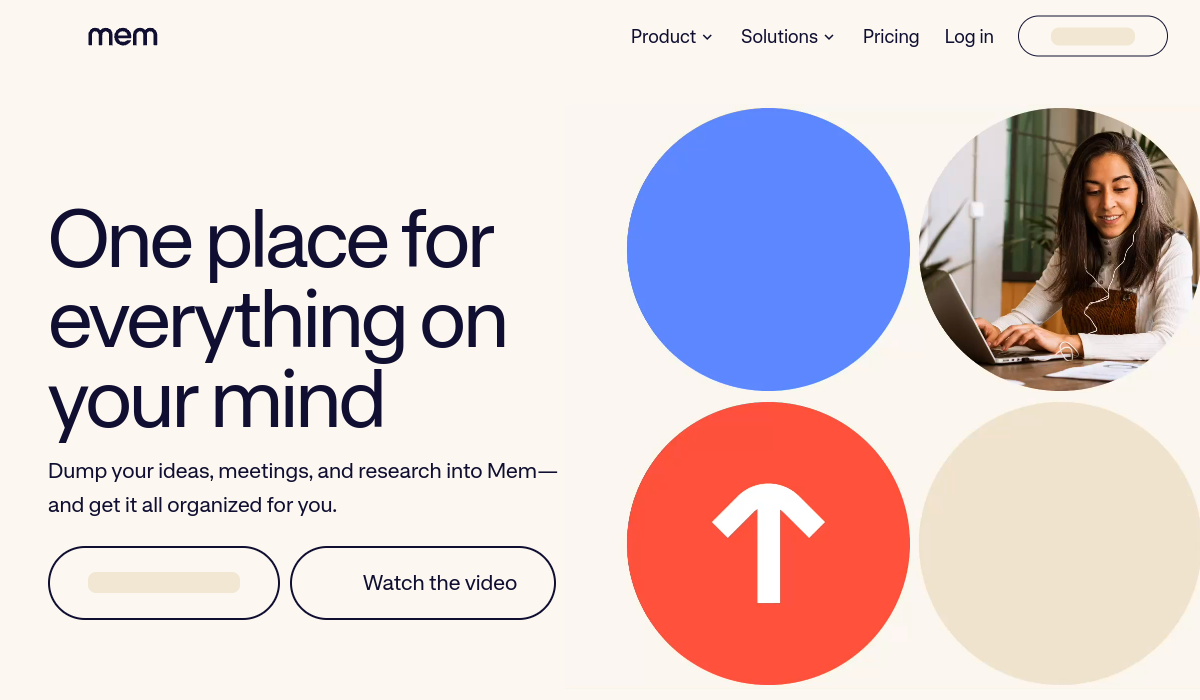
Mem is an AI-powered productivity tool designed to help users capture, organize, and retrieve their thoughts effortlessly. Ideal for professionals, students, and anyone looking to streamline their information management, Mem uses intelligent algorithms to enhance note-taking and knowledge retention. Its key strengths include smart search capabilities, seamless integration with other tools, and a user-friendly interface.
🚀 Why Use Mem?
Rating
Quick facts
Category
Productivity
Pricing
Freemium
Access
Web, macOS, iOS, Android
API
Not listed
Best for
Why teams use Mem for Productivity AI tools
Mem AI is a dynamic knowledge management tool designed to help teams and professionals organize their work more effectively. With its AI-powered features, Mem AI allows users to effortlessly aggregate meeting notes, project details, and knowledge bases into a single, intuitive interface. This organization not only enhances individual productivity but also fosters collaboration among team members by making information readily accessible. One of the standout features of Mem AI is its ability to provide instant search capabilities, enabling users to find specific notes or documents in seconds. This is particularly useful for busy professionals who need to retrieve information quickly without sifting through endless files. Additionally, Mem AI supports collaborative workspaces where teams can share insights and ideas in real-time, thus improving communication. Pricing for Mem AI is competitive, with a free tier that allows users to explore its core features, making it accessible to startups and small teams. For larger organizations, premium plans offer advanced functionalities tailored to meet more complex needs. Mem AI's strengths lie in its user-friendly design and powerful AI features that set it apart from traditional note-taking apps. However, some limitations include a learning curve for new users and occasional lag during heavy usage. Overall, Mem AI stands out in the crowded knowledge management space by combining simplicity with robust AI capabilities, catering to professionals and teams looking to streamline their workflows.
AI Generated Summary
TL;DR
Best For
Effortless Idea Capture, Research Organization, Team Collaboration
Pricing
Freemium
Main Strength
Highly intuitive user interface that minimizes learning curve.
Ease Of Use
Beginner friendly with modern interface
Powerful capabilities
✨ Key Features
Contextual Note Organization
Mem organizes notes based on context, ensuring that your ideas are always grouped with related thoughts for easier access.
Smart Search Functionality
The powerful smart search functionality allows users to find specific notes quickly by recognizing keywords and context.
Seamless App Integrations
Easily integrate Mem with tools like Google Drive and Slack, streamlining your workflow and keeping all your resources connected.
Dynamic Tagging System
Use the dynamic tagging system to categorize notes in real-time, making it simple to locate related content whenever needed.
Intuitive User Interface
Mem’s user-friendly interface ensures that you can navigate your notes with ease, minimizing distractions and maximizing focus.
Collaborative Features
Collaborative features allow teams to share notes and brainstorm together, enhancing productivity and idea generation.
Cross-Platform Accessibility
Access Mem from any device with cross-platform functionality, ensuring your notes are always available whenever inspiration strikes.
AI-powered instant search for quick information retrieval
Mem AI's AI-powered instant search quickly retrieves relevant information, minimizing the time spent sifting through documents and notes.
Collaborative workspaces for team sharing and brainstorming
Collaborative workspaces in Mem AI enable teams to share ideas seamlessly and engage in real-time brainstorming, fostering a dynamic environment for creativity.
Integration with popular productivity tools like Slack and Notion
With integrations into popular tools like Slack and Notion, Mem AI ensures that teams can access their information without disrupting their existing workflows.
Customizable tags and categories for better organization
Customizable tags and categories in Mem AI allow users to organize their content in a way that reflects their specific needs, making information retrieval intuitive.
Real-time updates and notifications for team collaboration
Real-time updates and notifications in Mem AI keep team members informed of changes and contributions, enhancing communication and collaboration during projects.
Real world usage
🚀 Popular Use Cases
Effortless Idea Capture
Quickly jot down ideas as they come to you, ensuring that no spark of inspiration is lost in the chaos of daily life.
Research Organization
Organize and manage research materials and notes seamlessly, making it easy to compile information for reports or projects.
Team Collaboration
Enhance teamwork by collaborating on shared notes, allowing for real-time updates and discussions within Mem.
Personal Knowledge Management
Create a personal knowledge base where you can store valuable information, insights, and experiences for easy future reference.
Creative Project Planning
Plan creative projects with a structured approach, outlining tasks and ideas within Mem to keep everything in one place.
Meeting Notes and Follow-ups
Capture meeting notes efficiently and set follow-up reminders, ensuring that all action items are tracked and addressed.
Learning and Study Aid
Utilize Mem as a study aid, helping you organize notes by subject and topic, facilitating easier review and retention.
Organizing meeting notes and action items for teams
Organizing meeting notes and action items becomes straightforward with Mem AI, as it consolidates all relevant discussions and tasks in one easily accessible location.
Creating a centralized knowledge base for easy access
Mem AI serves as a centralized knowledge base, allowing teams to store and access critical information quickly, ensuring everyone is on the same page.
Tracking project progress and team contributions
Tracking project progress in Mem AI provides a clear overview of team contributions, enabling managers to identify achievements and areas needing attention.
Facilitating brainstorming sessions with shared ideas
Facilitating brainstorming sessions is effortless with Mem AI, as it allows for the sharing of ideas in real-time, enabling teams to build on each other's thoughts effectively.
Advantages
Pros
Limitations
Cons
Common questions
❓ Frequently Asked Questions
How does Mem ensure my notes are organized?
Mem uses contextual organization to group related notes together, making it easy to find what you need based on the context of your work. This dynamic approach adapts to your thought patterns.
Can I use Mem on multiple devices?
Yes, Mem offers cross-platform accessibility, allowing you to access your notes on various devices. Whether you're on a laptop, tablet, or smartphone, your notes are always within reach.
Is there a way to share notes with others?
Absolutely! Mem includes collaborative features that allow you to share notes with team members, making it easier to brainstorm and edit content collectively in real-time.
What types of integrations does Mem support?
Mem integrates seamlessly with a variety of applications like Google Drive, Slack, and more, enabling you to pull in information from your favorite tools and keep everything connected.
How does the smart search feature work?
Mem's smart search functionality recognizes keywords and context within your notes, allowing you to quickly locate specific content without having to scroll through numerous entries.
What is Mem AI?
Mem AI is a knowledge management tool that organizes team notes, projects, and information, making them instantly searchable and easily accessible.
Is Mem AI free?
Yes, Mem AI offers a free tier with basic features, allowing users to explore its capabilities. Premium plans are available for advanced functionalities.
Who should use Mem AI?
Mem AI is ideal for teams, freelancers, and professionals who need to organize their notes and collaborate efficiently on projects.
What makes Mem AI unique?
Mem AI's unique AI-driven search and collaborative features set it apart, allowing users to access and share knowledge seamlessly.
Does Mem AI have an API?
Currently, Mem AI does not publicly offer an API for developers, focusing instead on its core user experience.
Final thoughts
🏆 Mem Verdict
In a world where information overload is the norm, Mem stands out as an essential AI productivity tool for those seeking clarity and organization in their thoughts. Its unique features promote effortless note-taking, efficient collaboration, and quick retrieval, making it a favorite among creators and professionals alike. With Mem, you can transform your approach to managing information, allowing you to focus more on your creative pursuits rather than administrative tasks. Embrace the future of productivity with Mem and experience a more streamlined workflow.
Similar AI Tools
Alternatives to Mem
Glean
Glean helps users capture, organize, and retrieve insights from various multimedia sources efficiently.
Jasper
Jasper is an AI-powered writing assistant that helps users generate high-quality content quickly and efficiently.
Notion AI
Notion AI enhances productivity by automating tasks and generating content within the Notion workspace.
Ocoya
Ocoya streamlines social media content creation and scheduling using AI, saving time and enhancing engagement.
Papago
Papago is an AI-powered translation tool that supports multiple languages, making communication seamless.
PhotoRoom
PhotoRoom is an AI-powered image editing tool designed for e-commerce and social media.
Sangam Community
Didn't find what you need?
Post your problem to Sangam — builders in Productivity respond with tools, workflows, and hands-on help.
Listing Ownership
Own this tool?
If you manage Mem, send a simple claim request and we'll review it manually.
⚔️ AI Battle Arena
Compare Mem Head-to-Head
Found in these collections