ReWords AI
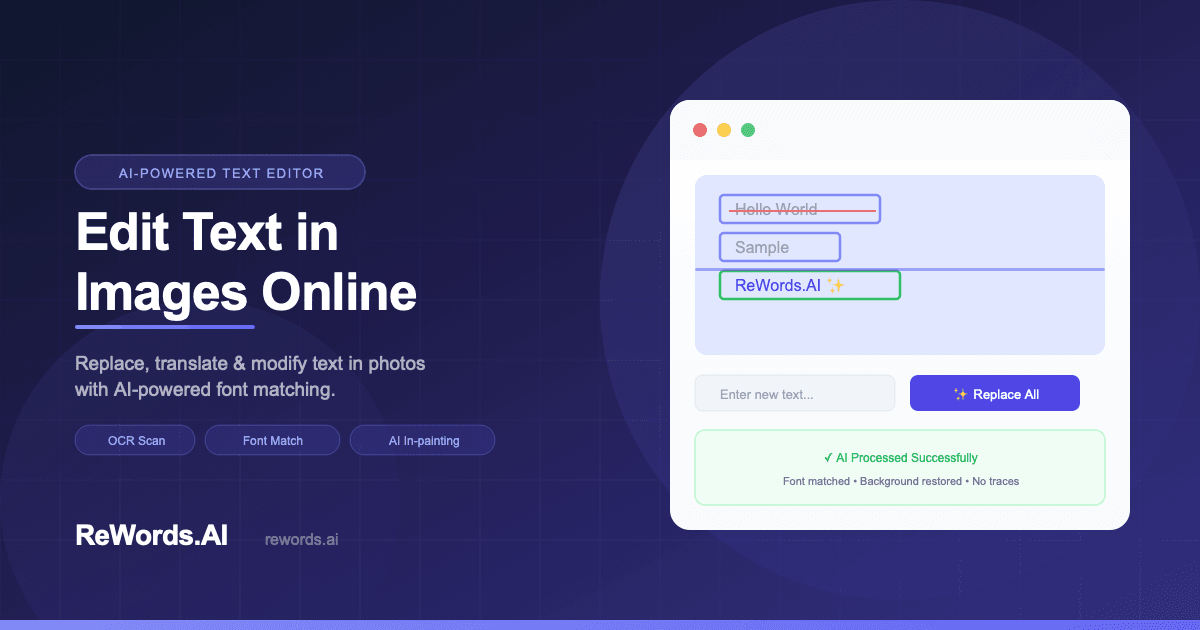
ReWords AI is an AI-powered image text editor that helps users replace and edit text inside images while preserving the original typography, visual style, and layout.
Useful for
- Fix typos in screenshots
- Update product labels
- Edit text in memes
Pricing at a glance
ReWords AI pricing & plans
Plans and limits may vary by region and change at checkout. Confirm terms with the provider.
Listed pricing model: Freemium. Actual prices are unverified or unavailable.
Why teams use ReWords AI for Design AI tools
ReWords AI is an innovative online tool that allows users to edit text in images effortlessly. By leveraging advanced AI technology, it enables users to replace, modify, or remove text while preserving the original font, color, and background. This makes it an ideal solution for various scenarios, such as correcting typos in screenshots, updating product labels, or even editing text in memes and social media graphics. The tool is designed to be user-friendly, requiring no prior design experience, which broadens its appeal to a wide range of users. With ReWords AI, the editing process is straightforward: users simply upload their images, select the text they wish to change, and input the new text. The AI then takes care of the rest, ensuring that the final result looks natural and professionally edited. This capability not only saves time but also eliminates the need for complex software like Photoshop, making it a valuable resource for anyone needing quick and effective image text editing.
Powerful capabilities
✨ Key Features
Edit text embedded in images
AI font matching
Background reconstruction
Batch text replacement
Supports various image formats
Real world usage
🚀 Popular Use Cases
Fix typos in screenshots
Update product labels
Edit text in memes
Change dates on flyers
Correct scanned documents
Advantages
Pros
Limitations
Cons
Common questions
❓ Frequently Asked Questions
How to replace text in an image online?
Simply upload your image to ReWords.AI. Our OCR will detect the text blocks. Click on the text you want to change, type the new words, and our AI will replace the text while matching the original font and background style.
Can I match the font style in the image?
Yes. Unlike traditional editors, ReWords is an AI-powered image text editor that automatically analyzes and replicates the font size, color, and style of the original text.
Is it free to edit text in photos?
ReWords offers a free trial for new users to edit text in photos. For bulk processing and high-resolution downloads, we offer affordable 'Pay As You Go' plans.
Final thoughts
🏆 ReWords AI Verdict
ReWords AI stands out as a practical solution for anyone needing to edit text in images without the hassle of traditional graphic design tools. Its AI-driven approach ensures that edits are seamless and visually coherent, making it a preferred choice for quick fixes and updates.
Similar AI Tools
Alternatives to ReWords AI
Image Text Editor
Image Text Editor is an AI tool for replacing text inside images while keeping the original font style, color, layout, and background as close as possible. It’s useful for product images, posters, ads, screenshots, and social graphics.
Change Text in Image
AI photo text editor — change or edit text in any image while AI matches the original font, color and style. No Photoshop needed.For marketers, e-commerce sellers, designers without Photoshop, social media creators
ImageHub
ImageHub brings AI image generation, editing, enhancement, and transformation tools together in one browser-based workspace. People can use ImageHub to create new visuals, remove or replace backgrounds, improve image quality, restore photos, explore styles.
AI Photo Editor
AI Photo Editor Online edits photos with a prompt in the browser. After Google sign-in, the house model includes 5 credits per day (UTC). VIP models include GPT, Nano Banana, and Seedream. One-time packs start at $6.90. No guest trial and no watermark.
Sangam Community
Need help finding an alternative?
Ask the Sangam community for recommendations, workflows, or hands-on help related to Design.
Community
See how people use ReWords AI
No workflows or community examples for ReWords AI yet. Share your workflow →
Built an AI tool? Get it featured on AI Tech Hub.
Get your AI tool featured →