Otter AI
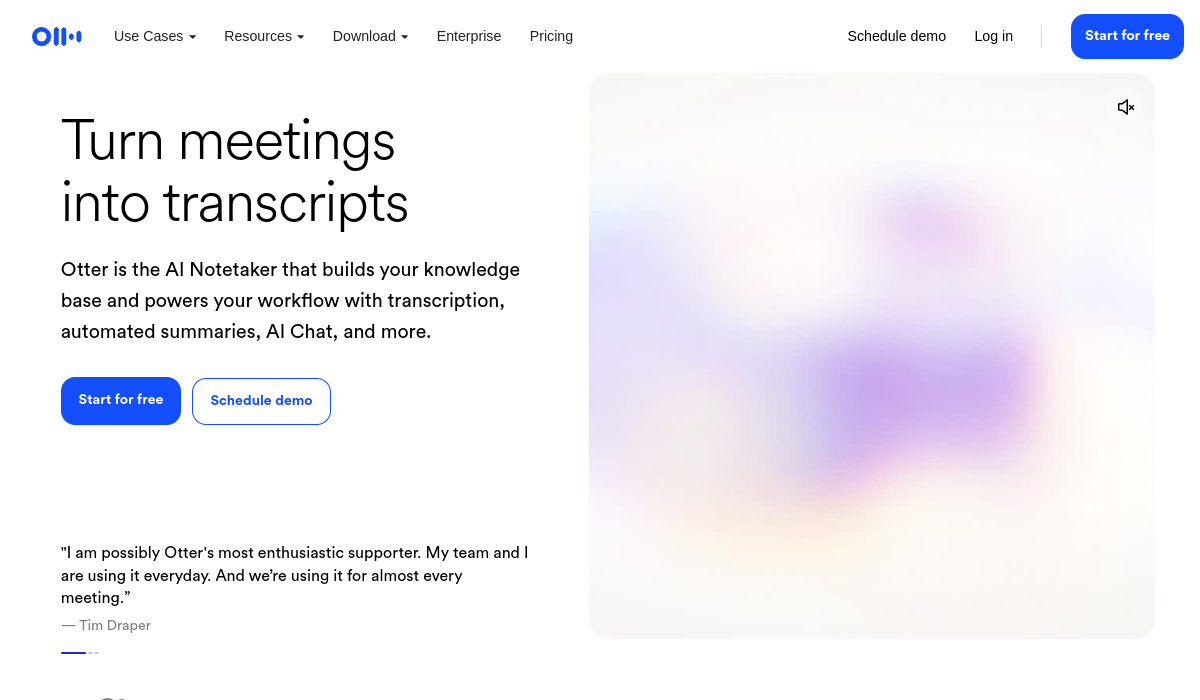
Otter AI provides real-time transcription and automated summaries for efficient meetings.
🚀 Why Use Otter AI?
Rating
Quick facts
Category
Meeting Assistant
Pricing
Freemium
API
Not listed
Best for
Why teams use Otter AI for Meeting Assistant AI tools
Otter AI is a powerful meeting assistant designed to enhance productivity through real-time transcription and collaboration tools. It automatically captures conversations during meetings, providing accurate transcripts that can be easily shared and referenced later. Users benefit from features such as live chat, automated summaries, and insights that highlight key discussion points and action items, making it easier to follow up after meetings. Otter AI is widely used by professionals, teams, students, and educators who need to document and review discussions efficiently. Its pricing model includes a free tier, which offers basic transcription services, while premium plans unlock advanced features like increased transcription limits and additional integrations. One of the standout strengths of Otter AI is its intuitive interface that allows users to edit and annotate transcripts in real-time, promoting better collaboration. The platform also integrates seamlessly with popular video conferencing tools like Zoom, making it a versatile addition to any virtual meeting setup. However, users should be aware of some limitations, such as occasional inaccuracies in transcription, particularly in noisy environments or with multiple speakers. Despite these challenges, Otter AI remains a go-to tool for anyone looking to enhance their meeting efficiency and documentation efforts. Its unique combination of live transcription, automated summaries, and user-friendly features sets it apart from traditional note-taking methods.
AI Generated Summary
TL;DR
Best For
Capturing notes during team meetings, Transcribing lectures for students, Documenting interviews for research
Pricing
Freemium
Main Strength
High accuracy in transcription
Ease Of Use
Beginner friendly with modern interface
Powerful capabilities
✨ Key Features
Real-time transcription of conversations
Otter AI captures conversations in real-time, transforming spoken dialogue into text instantly, ensuring that every word is accounted for as discussions unfold.
Automated meeting summaries and insights
With automated meeting summaries, Otter AI distills key insights and action items from conversations, allowing users to quickly grasp the essence of meetings without sifting through lengthy transcripts.
Integration with Zoom and other platforms
Otter AI seamlessly integrates with platforms like Zoom, making it effortless to record and transcribe virtual meetings without additional setup.
Searchable transcripts with speaker identification
The searchable transcripts in Otter AI not only allow users to find specific content quickly but also identify different speakers, enhancing clarity and context.
Collaborative editing and sharing options
Collaborative editing and sharing options in Otter AI enable teams to refine transcripts together, ensuring that all contributions are captured and easily accessible.
Real world usage
🚀 Popular Use Cases
Capturing notes during team meetings
During team meetings, Otter AI efficiently captures notes, allowing participants to focus on discussions rather than worrying about missing important points.
Transcribing lectures for students
For students, Otter AI transcribes lectures in real time, creating accurate records that can be revisited for study and clarification.
Documenting interviews for research
Researchers can utilize Otter AI to document interviews, converting spoken responses into text that can be easily analyzed and referenced.
Enhancing remote collaboration through shared transcripts
Otter AI enhances remote collaboration by providing shared transcripts, allowing team members to contribute and discuss ideas regardless of their location.
Advantages
Pros
Limitations
Cons
Common questions
❓ Frequently Asked Questions
What is Otter AI?
Otter AI is a meeting assistant that provides real-time transcription and automated summaries, making it easier to document discussions.
Is Otter AI free?
Otter AI offers a free tier with limited transcription capabilities, while premium subscriptions provide additional features and higher limits.
Who should use Otter AI?
Otter AI is ideal for professionals, teams, students, and educators looking to streamline their meeting documentation and enhance collaboration.
What makes Otter AI unique?
Otter AI's real-time transcription, automated summaries, and intuitive collaboration tools differentiate it from traditional note-taking methods.
Does Otter AI have an API?
Yes, Otter AI offers an API that allows developers to integrate its transcription capabilities into their own applications.
Final thoughts
🏆 Otter AI Verdict
Otter AI is a must-have tool for anyone seeking to improve meeting efficiency. Its powerful transcription and summarization features make it invaluable for professionals and teams looking to enhance collaboration and productivity.
Similar AI Tools
Alternatives to Otter AI
Codeium
Codeium is an AI-powered coding assistant that enhances developer productivity through intelligent code completion and suggestions.
Fireflies AI
Fireflies AI automates meeting notes, transcripts, and summaries, streamlining team collaboration.
Rytr
Rytr is an AI writing assistant that helps you create high-quality content quickly and efficiently.
Tidio AI
Tidio AI combines AI chatbots with live chat tools to improve customer service and engagement.
tl;dv
tl;dv is an AI meeting assistant that captures and summarizes your calls, making content creation easier.
Voicemod AI
Voicemod AI is an innovative real-time voice changer that enhances your audio experience in games and chats.
Sangam Community
Didn't find what you need?
Post your problem to Sangam — builders in Meeting Assistant respond with tools, workflows, and hands-on help.
Listing Ownership
Own this tool?
If you manage Otter AI, send a simple claim request and we'll review it manually.
Found in these collections