Opus Clip
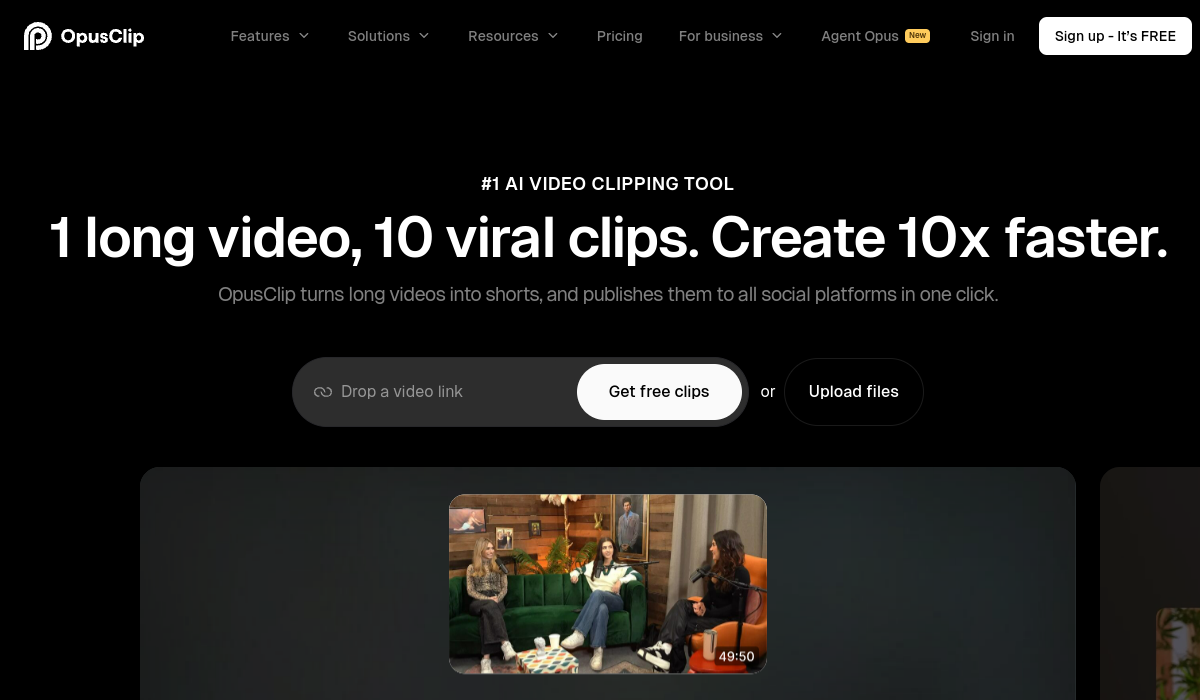
Opus Clip effortlessly converts long videos into engaging clips, optimizing them for viral potential across social media.
🚀 Why Use Opus Clip?
Rating
Quick facts
Category
Video Editing
Pricing
Freemium
API
Not listed
Best for
Why teams use Opus Clip for Video Editing AI tools
Opus Clip is an innovative video editing tool designed to help creators and marketers transform lengthy videos into short, engaging clips that are optimized for virality on social media platforms. With a single click, users can publish these clips across multiple platforms, saving time and effort while enhancing their content's reach. The tool utilizes advanced AI technology to analyze video content, identifying key moments that resonate most with audiences. This capability ensures that creators can effectively capture attention and boost engagement. One of the standout features of Opus Clip is its ability to generate high-quality clips that maintain the essence of the original content while making it more digestible for viewers. This is particularly beneficial for content creators who often produce long-form videos, such as webinars, tutorials, or interviews. By breaking down these videos into shorter segments, creators can maximize their content's lifecycle and increase viewer retention rates. Opus Clip caters to a diverse range of users, including social media marketers, influencers, educators, and businesses looking to enhance their online presence. The pricing structure is flexible, with options for both individual users and teams, making it accessible for those at different stages of their content creation journey. While Opus Clip offers impressive features and capabilities, it does have some limitations, such as reliance on an internet connection for processing and potential challenges with video formats. However, its strengths in delivering high-quality, engaging clips in a fraction of the time it would take to edit manually make it a valuable asset for any content creator. The tool stands out in a crowded market by focusing not only on editing but also on making content shareable and engaging, helping users grow their audiences effectively.
AI Generated Summary
TL;DR
Best For
Creating promotional clips from webinars, Generating highlight reels from long interviews, Turning educational videos into bite-sized lessons
Pricing
Freemium
Main Strength
Saves time with quick video editing
Ease Of Use
Beginner friendly with modern interface
Powerful capabilities
✨ Key Features
AI-driven video analysis for optimal clip selection
Opus Clip leverages advanced AI algorithms to analyze video content and pinpoint the most engaging segments for optimal clip selection.
One-click publishing to multiple social media platforms
With a single click, users can publish their edited clips across various social media platforms, ensuring maximum reach and engagement.
Customizable clip lengths and formats
The platform allows users to customize clip lengths and formats, providing flexibility to tailor content for specific audiences and platforms.
High-quality video rendering for professional look
Each video rendered by Opus Clip boasts high-quality output, giving users a polished, professional look that enhances their brand image.
User-friendly interface for quick editing
Designed with simplicity in mind, the user-friendly interface allows for quick edits, making the video clipping process efficient and accessible.
Real world usage
🚀 Popular Use Cases
Creating promotional clips from webinars
Transform webinars into captivating promotional clips, enabling users to effectively showcase key insights and attract a wider audience.
Generating highlight reels from long interviews
Long interviews can be distilled into compelling highlight reels, summarizing essential moments that resonate with viewers and drive engagement.
Turning educational videos into bite-sized lessons
Educational videos can be broken down into bite-sized lessons, making complex information more digestible and appealing to learners.
Crafting engaging social media posts from tutorials
Opus Clip enables the creation of engaging social media posts from tutorials, helping users to share valuable knowledge in an easily consumable format.
Advantages
Pros
Limitations
Cons
Common questions
❓ Frequently Asked Questions
What is Opus Clip?
Opus Clip is a video editing tool that transforms long videos into short, engaging clips optimized for social media sharing.
Is Opus Clip free?
Opus Clip offers a free tier with limited features, while premium plans provide access to advanced tools and capabilities.
Who should use Opus Clip?
Opus Clip is ideal for content creators, marketers, and businesses looking to enhance their video content and expand their audience reach.
What makes Opus Clip unique?
Opus Clip stands out by using AI to intelligently select and optimize clips for virality, streamlining the editing process for users.
Does Opus Clip have an API?
As of now, Opus Clip does not offer a public API for developers, focusing instead on its user-friendly interface for end-users.
Final thoughts
🏆 Opus Clip Verdict
Opus Clip is an essential tool for creators looking to streamline their video editing process and enhance audience engagement. Its AI-driven features make it a must-try for anyone serious about content creation.
Similar AI Tools
Alternatives to Opus Clip
Animaker
Animaker is a user-friendly online platform for creating animated videos. It offers a range of tools for beginners and pros alike.
CapCut
CapCut is a versatile video editing tool designed for both beginners and experienced creators. It offers an intuitive interface and a range of editing features that make video creation accessible to everyone. Key strengths include advanced effects, music integration, and easy sharing options, making it ideal for social media content creators.
Fliki
Fliki converts text into captivating videos using AI voices in multiple languages.
Murf AI
Murf AI excels in generating natural voiceovers for various media formats, enhancing audio content creation.
Pika
Pika allows users to effortlessly create videos from their ideas, streamlining the video production process.
Speechify
Speechify converts text into high-quality audio using AI voices in various languages, enhancing accessibility and engagement.
Sangam Community
Didn't find what you need?
Post your problem to Sangam — builders in Video Editing respond with tools, workflows, and hands-on help.
Listing Ownership
Own this tool?
If you manage Opus Clip, send a simple claim request and we'll review it manually.