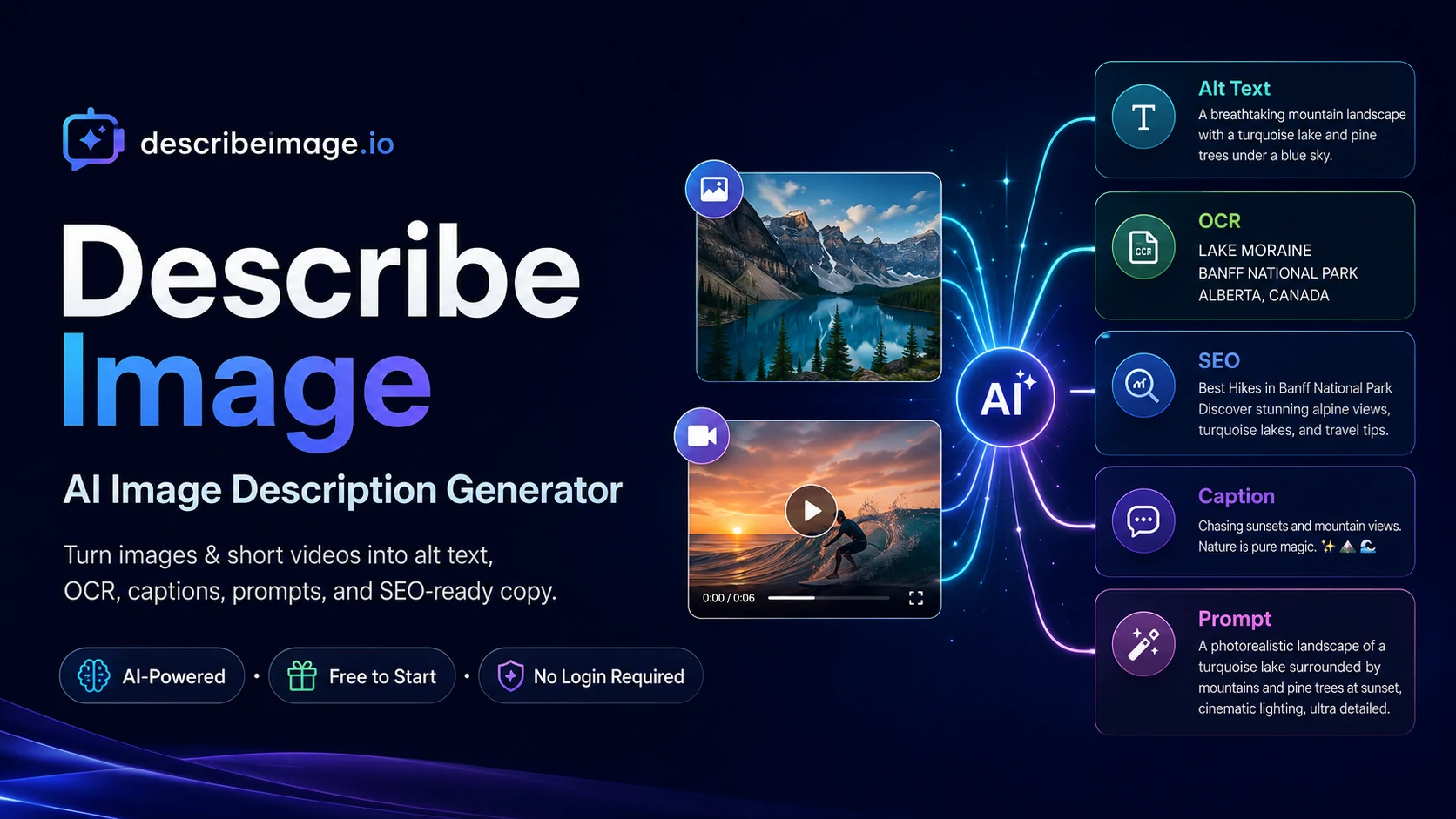
Describe Image
Describe Image turns visual content into descriptions, alt text, OCR text, captions and AI prompts. Review outputs before reuse. Limited daily starter image access is available without sign-in; other features and usage may require paid access.
Useful for
- Creating alt text for accessibility
- Generating SEO copy for images
- Extracting text from images using OCR
Pricing at a glance
Describe Image pricing & plans
Plans and limits may vary by region and change at checkout. Confirm terms with the provider.
Listed pricing model: Freemium. Actual prices are unverified or unavailable.
Why teams use Describe Image for Productivity AI tools
Creators love Describe Image for its ability to quickly generate accurate descriptions that enhance accessibility and improve SEO. The tool's efficiency allows them to focus more on content creation rather than manual description writing.
Powerful capabilities
✨ Key Features
AI-generated image descriptions
OCR text extraction
SEO-friendly alt text
Prompt generation for AI models
Real world usage
🚀 Popular Use Cases
Creating alt text for accessibility
Generating SEO copy for images
Extracting text from images using OCR
Advantages
Pros
Limitations
Cons
Final thoughts
🏆 Describe Image Verdict
Describe Image is a powerful tool for anyone looking to enhance their visual content with AI-generated descriptions. While it offers a robust free version, users may find additional value in the paid plans for more extensive features and higher usage.
Similar AI Tools
Alternatives to Describe Image
Video Transcript
Video Transcript turns supported video links and uploaded audio or video files into editable text with timestamps. Its public site describes text and subtitle exports, including SRT and VTT, for reviewing or repurposing recordings. Check names and subtitle timing before sharing.
MetadataRemover.ai
MetadataRemover.ai is a free browser-based privacy toolkit that inspects, removes, edits, and verifies hidden metadata in images, PDFs, DOCX files, video, and audio. Files are processed locally in browser memory instead of being uploaded.
imagetolatex
imagetolatex turns screenshots, photos and handwritten math into LaTeX you can copy, preview and paste into Overleaf, Markdown or Word as editable equations. It also includes a free LaTeX equation editor and a LaTeX table generator.
MarkItDown
MarkItDown is a free online converter that turns PDF, Word, PowerPoint, Excel, HTML, EPUB, URLs and images into clean, AI-ready Markdown. Private in-browser processing or fast server conversion, with AI OCR for scanned PDFs, table recovery and LaTeX math.
Sangam Community
Need help finding an alternative?
Ask the Sangam community for recommendations, workflows, or hands-on help related to Productivity.
Listing Ownership
Own this tool?
If you manage Describe Image, send a simple claim request and we'll review it manually.
Community
See how people use Describe Image
No workflows or community examples for Describe Image yet. Share your workflow →
Built an AI tool? Get it featured on AI Tech Hub.
Get your AI tool featured →Found in these collections