Cleanup Pictures
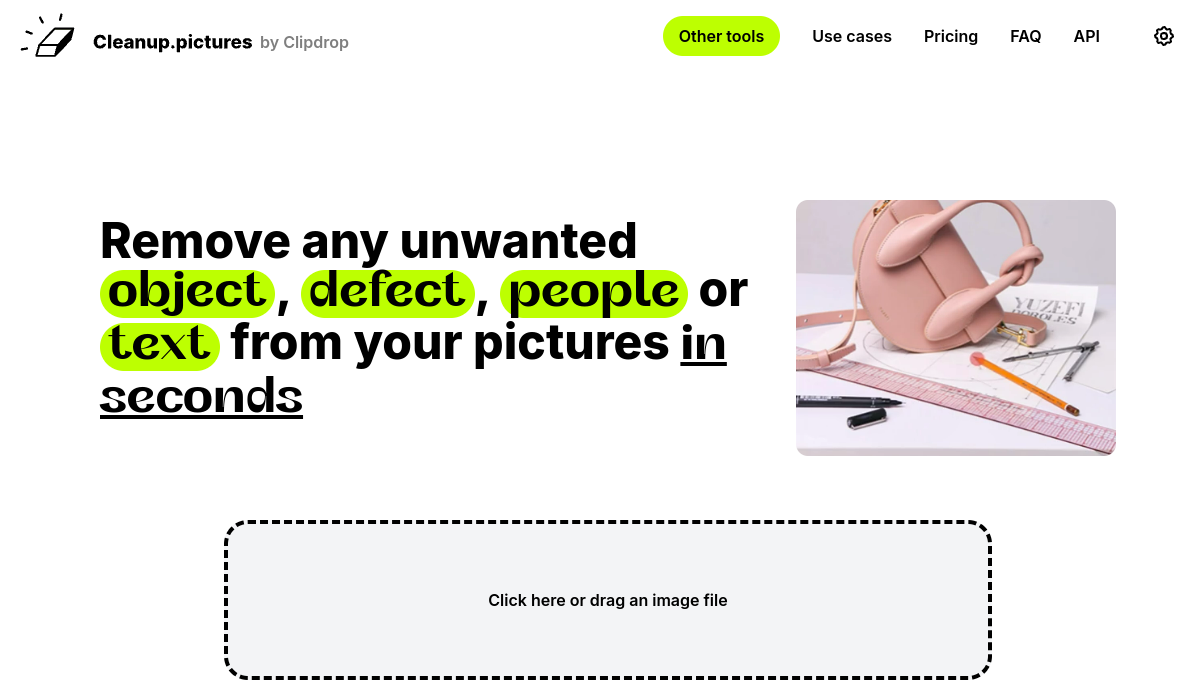
Cleanup Pictures allows users to effortlessly remove unwanted objects, text, or defects from images with just a few clicks.
🚀 Why Use Cleanup Pictures?
Rating
Why teams use Cleanup Pictures for Image Editing AI tools
Cleanup Pictures is an innovative online image editing tool designed to help users remove unwanted objects, text, or imperfections from their photos with remarkable ease. This user-friendly platform leverages advanced AI technology to identify and seamlessly erase distractions, making it an essential asset for photographers, graphic designers, and anyone looking to enhance their images without extensive editing skills. The process is straightforward; users simply upload their images, select the areas they wish to remove, and the tool does the rest in mere moments.
One of the standout features of Cleanup Pictures is its intuitive interface, which is ideal for both beginners and experienced users. The tool allows for precise selections, ensuring that only the necessary elements are removed while maintaining the integrity of the original background. This capability is particularly beneficial for photographers who need to refine their work quickly before sharing or printing. Additionally, Cleanup Pictures supports various image formats, providing flexibility in usage for different projects.
The target audience for Cleanup Pictures spans a wide range of users. Photographers utilize the tool to tidy up their shots by eliminating distractions like stray objects or blemishes. Social media managers and content creators often turn to Cleanup Pictures to enhance visuals for posts and advertisements, ensuring their images capture audience attention effectively. Furthermore, graphic designers may rely on this tool to streamline their workflow by quickly generating polished images for presentations or marketing materials.
In terms of pricing, Cleanup Pictures operates on a freemium model. Users can access basic features for free, making it an attractive option for casual users or those just dipping their toes into photo editing. For more advanced functionalities or higher resolution outputs, a subscription plan is available, catering to professionals who require more robust editing capabilities. This pricing structure allows users to choose the level of service that best suits their needs without a significant financial commitment.
While Cleanup Pictures excels in many areas, it does have its limitations. The removal process can sometimes leave behind traces if the selections are not precise, necessitating a careful approach to ensure a seamless finish. Additionally, users may find that complex backgrounds can pose challenges, requiring more manual adjustments post-editing. Despite these drawbacks, Cleanup Pictures remains a valuable tool, especially for those who prioritize efficiency and ease of use in their editing tasks. Its ability to simplify the removal of unwanted elements sets it apart from traditional image editing software, making it a go-to solution for quick fixes and enhancements.
AI Generated Summary
TL;DR
Best For
Enhancing photography by removing distractions., Creating polished visuals for social media posts., Editing images for marketing materials.
Pricing
Freemium
Main Strength
Simple and intuitive interface for quick editing.
Ease Of Use
Beginner friendly with modern interface
Powerful capabilities
✨ Key Features
One-click object removal for effortless editing.
Cleanup Pictures offers a one-click object removal feature that simplifies the editing process, allowing users to eliminate unwanted elements from their images with minimal effort.
AI-powered background restoration for seamless results.
The AI-powered background restoration feature intelligently analyzes and reconstructs backgrounds, ensuring that removed objects blend seamlessly into the remaining image.
User-friendly interface designed for all skill levels.
Designed with a user-friendly interface, Cleanup Pictures enables anyone, regardless of their technical skills, to navigate and utilize its powerful editing tools effortlessly.
Support for multiple image formats for versatile use.
Supporting multiple image formats, Cleanup Pictures caters to a wide range of editing needs, making it versatile for different projects and user preferences.
Instant preview of edits before saving changes.
With the instant preview feature, users can visualize their edits in real-time, allowing for quick adjustments and ensuring satisfaction before finalizing any changes.
Real world usage
🚀 Popular Use Cases
Enhancing photography by removing distractions.
By removing distracting elements, Cleanup Pictures enhances photography, ensuring that the main subject stands out and captures attention.
Creating polished visuals for social media posts.
Social media posts become more visually appealing with Cleanup Pictures, as it allows users to create polished images that resonate with their audience.
Editing images for marketing materials.
In marketing materials, Cleanup Pictures streamlines the editing process, enabling marketers to produce high-quality visuals that convey their brand message effectively.
Streamlining graphic design workflows.
Graphic designers can utilize Cleanup Pictures to expedite their workflows, focusing on creative aspects while quickly refining images through precise edits.
Advantages
Pros
Limitations
Cons
Common questions
❓ Frequently Asked Questions
What is Cleanup Pictures?
Cleanup Pictures is an online tool that allows users to remove unwanted objects, text, and defects from their photos using advanced AI technology.
Is Cleanup Pictures free?
Yes, Cleanup Pictures offers a free tier that allows basic object removal editing. A subscription is available for advanced features.
Who should use Cleanup Pictures?
Cleanup Pictures is ideal for photographers, social media managers, and graphic designers looking to enhance their images by removing distractions effortlessly.
What makes Cleanup Pictures unique?
Cleanup Pictures stands out due to its user-friendly interface and powerful AI capabilities, making photo editing accessible to all skill levels.
Does Cleanup Pictures have an API?
Currently, Cleanup Pictures does not offer a public API for developers, focusing instead on its user-friendly online platform.
Final thoughts
🏆 Cleanup Pictures Verdict
Cleanup Pictures is a fantastic tool for anyone needing to quickly enhance their images by removing unwanted elements. Its easy-to-use interface and AI capabilities make it suitable for both casual users and professionals alike.
Similar AI Tools
Alternatives to Cleanup Pictures
Jasper
Jasper is an AI-powered writing assistant that helps users generate high-quality content quickly and efficiently.
Mem
Mem is an AI-powered productivity tool designed to help users capture, organize, and retrieve their thoughts effortlessly. Ideal for professionals, students, and anyone looking to streamline their information management, Mem uses intelligent algorithms to enhance note-taking and knowledge retention. Its key strengths include smart search capabilities, seamless integration with other tools, and a user-friendly interface.
Ocoya
Ocoya streamlines social media content creation and scheduling using AI, saving time and enhancing engagement.
PhotoRoom
PhotoRoom is an AI-powered image editing tool designed for e-commerce and social media.
PlayHT
PlayHT generates realistic voiceovers from text, supporting multiple languages and emotional tones.
Remove.bg
Remove.bg uses AI technology to effortlessly eliminate backgrounds from images in seconds.
Sangam Community
Didn't find what you need?
Post your problem to Sangam — builders in Image Editing respond with tools, workflows, and hands-on help.
Listing Ownership
Own this tool?
If you manage Cleanup Pictures, send a simple claim request and we'll review it manually.
⚔️ AI Battle Arena
Compare Cleanup Pictures Head-to-Head
Found in these collections