AI Icon Creator
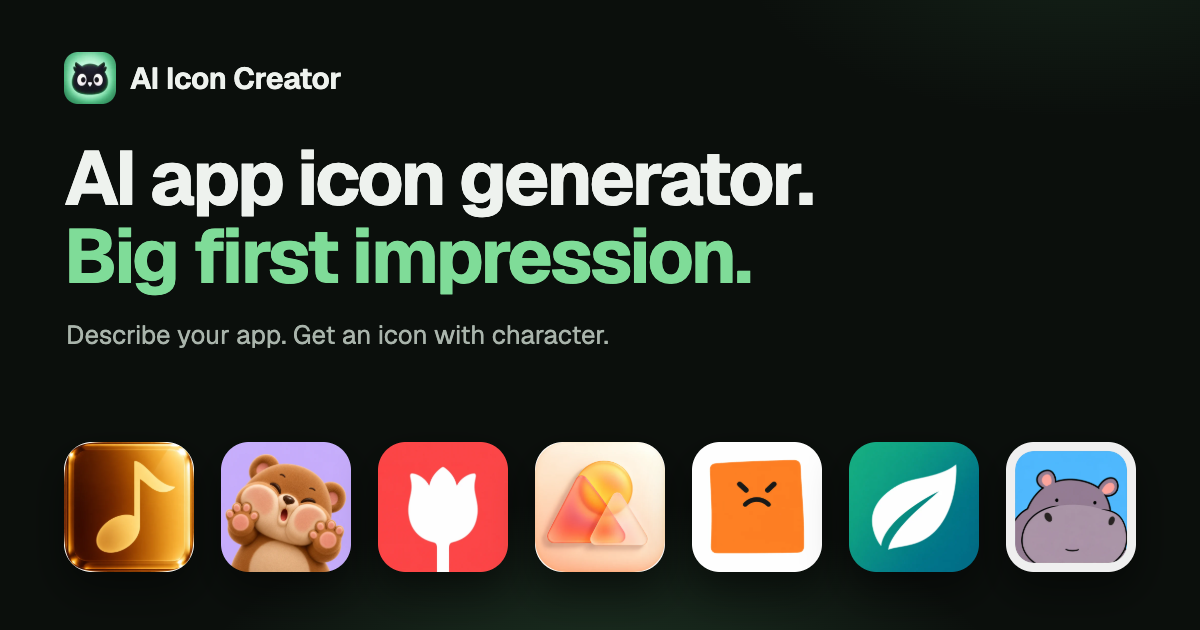
AI Icon Creator makes app icons from a short description or your own picture, in 20 curated styles. Edit up to three spots without starting over, check sizes at 64, 32 and 29 px, then download iOS, Android and web sizes. New accounts get 30 free credits; plans from $14.90/month.
Useful for
- Creating app icons for mobile applications
- Designing unique icons for branding
- Refining existing icon designs
Pricing at a glance
AI Icon Creator pricing & plans
Plans and limits may vary by region and change at checkout. Confirm terms with the provider.
Listed pricing model: Freemium. Actual prices are unverified or unavailable.
Why teams use AI Icon Creator for Design AI tools
Creators love AI Icon Creator for its ease of use and the ability to produce professional-looking icons without extensive design skills. The variety of styles allows for creative flexibility.
Powerful capabilities
✨ Key Features
20 curated icon styles
Edit up to three areas
Download in multiple sizes
30 free credits for new users
Real world usage
🚀 Popular Use Cases
Creating app icons for mobile applications
Designing unique icons for branding
Refining existing icon designs
Advantages
Pros
Limitations
Cons
Final thoughts
🏆 AI Icon Creator Verdict
AI Icon Creator is a powerful tool for anyone in need of custom app icons. Its intuitive design and extensive style options make it a valuable asset for developers and designers alike.
Similar AI Tools
Alternatives to AI Icon Creator
FontGenerator
FontGenerator makes real, installable fonts with AI. Describe a style, upload a reference image or a handwriting sample, and get a complete font you can test in the browser, refine glyph by glyph in the Studio and download as TTF, OTF, WOFF or WOFF2. Free font tools included.
SkinMyCar
SkinMyCar is an AI car wrap designer. Create custom wrap designs for Tesla and other vehicles with a Tesla Paint Shop–inspired workflow, then preview how wraps look on the car before ordering.
LayerGrab
LayerGrab is an AI image layer separator. Upload an AI-generated image and get each element as a transparent PNG with the background filled in for Canva, Figma, or Photoshop.
Pixlr AI
Pixlr AI offers advanced online photo editing tools that include AI-driven features for image enhancement and design.
Sangam Community
Need help finding an alternative?
Ask the Sangam community for recommendations, workflows, or hands-on help related to Design.
Listing Ownership
Own this tool?
If you manage AI Icon Creator, send a simple claim request and we'll review it manually.
Community
See how people use AI Icon Creator
No workflows or community examples for AI Icon Creator yet. Share your workflow →
Built an AI tool? Get it featured on AI Tech Hub.
Get your AI tool featured →